Available now
A little less
to carry.
Track feeds, sleep and diapers.
Find your baby’s rhythm, together.
Sleep windows are estimates.
Your baby’s cues come first.
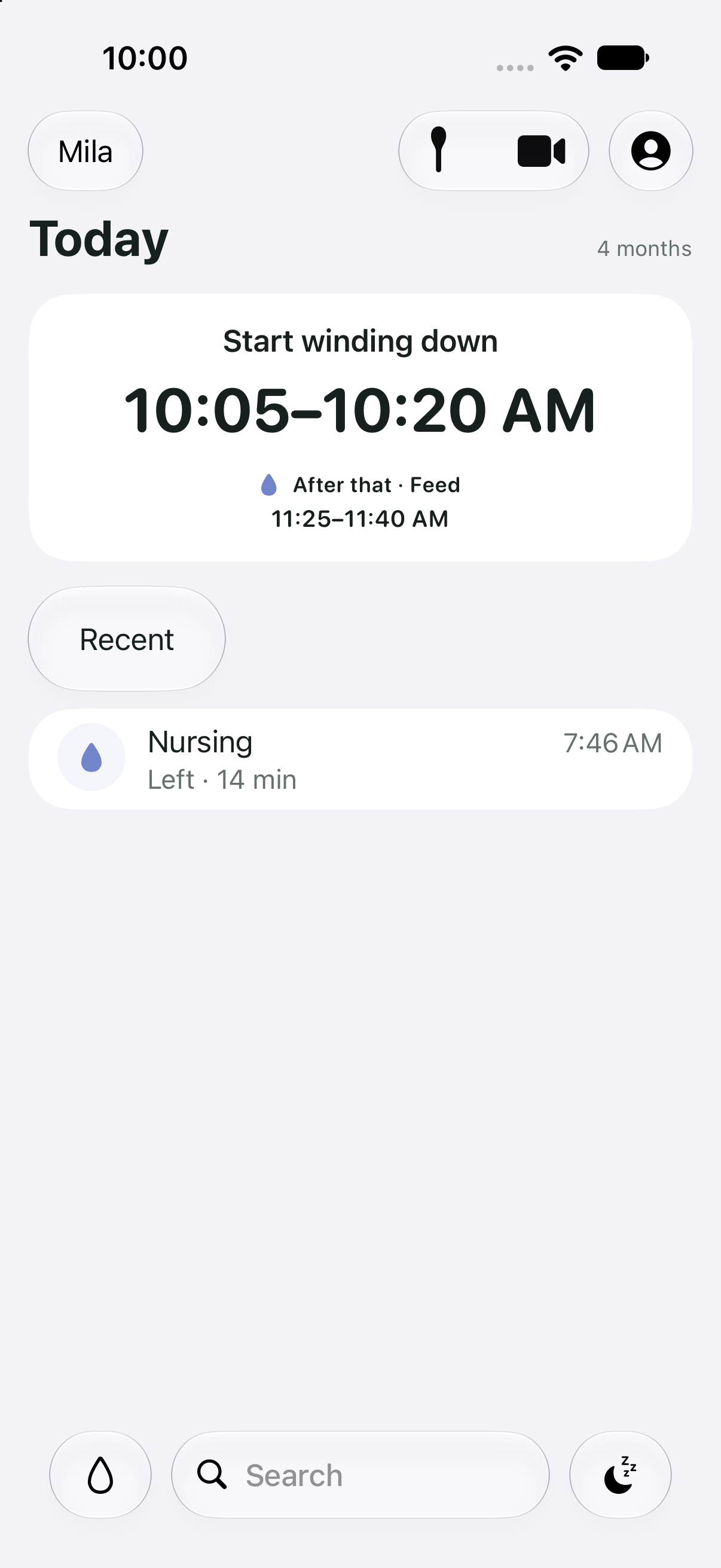
Know when
to wind down.
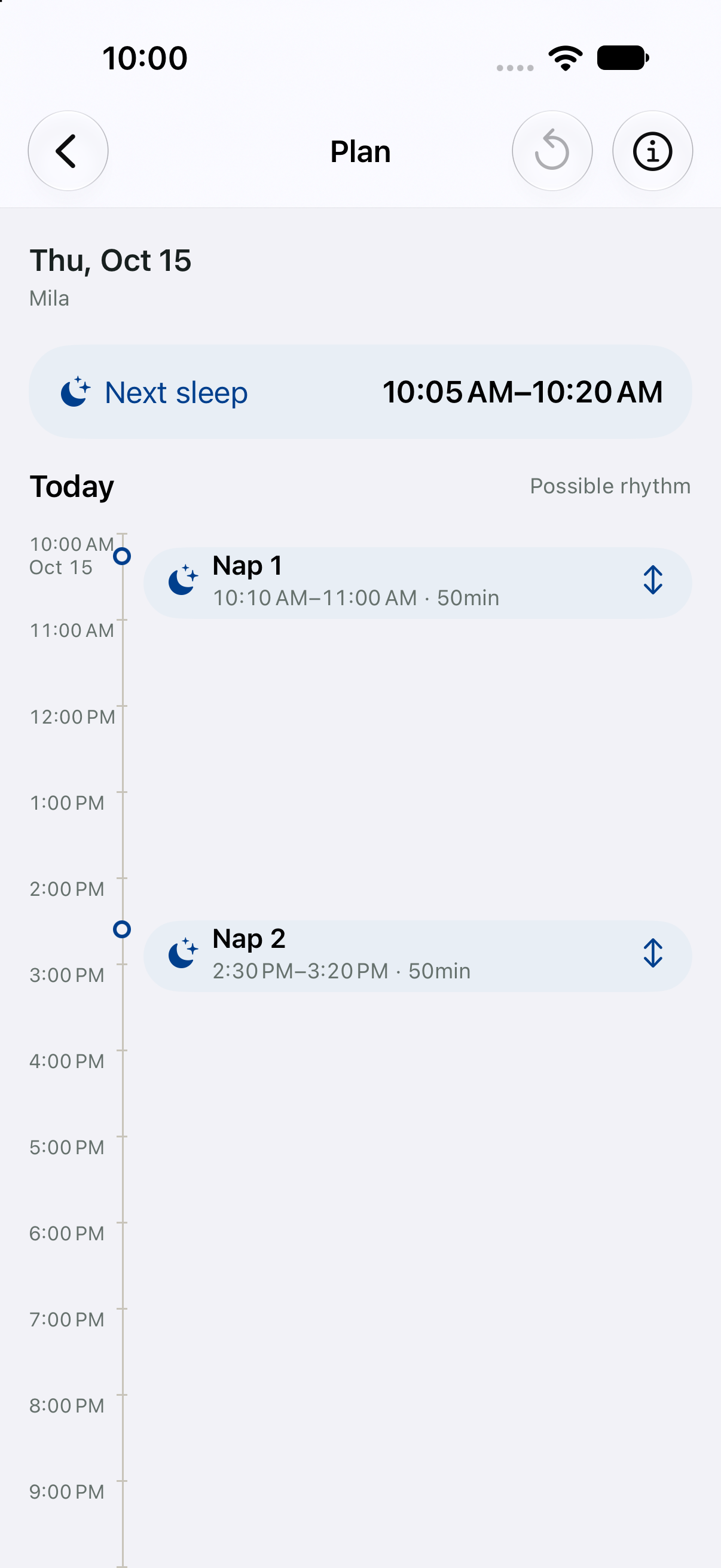
Pick up where
they left off.
One shared care record for you and the people you choose to care for your baby.
The last feed. The latest nap. What happened while you were away. Together in one place, so there’s less to remember and repeat.
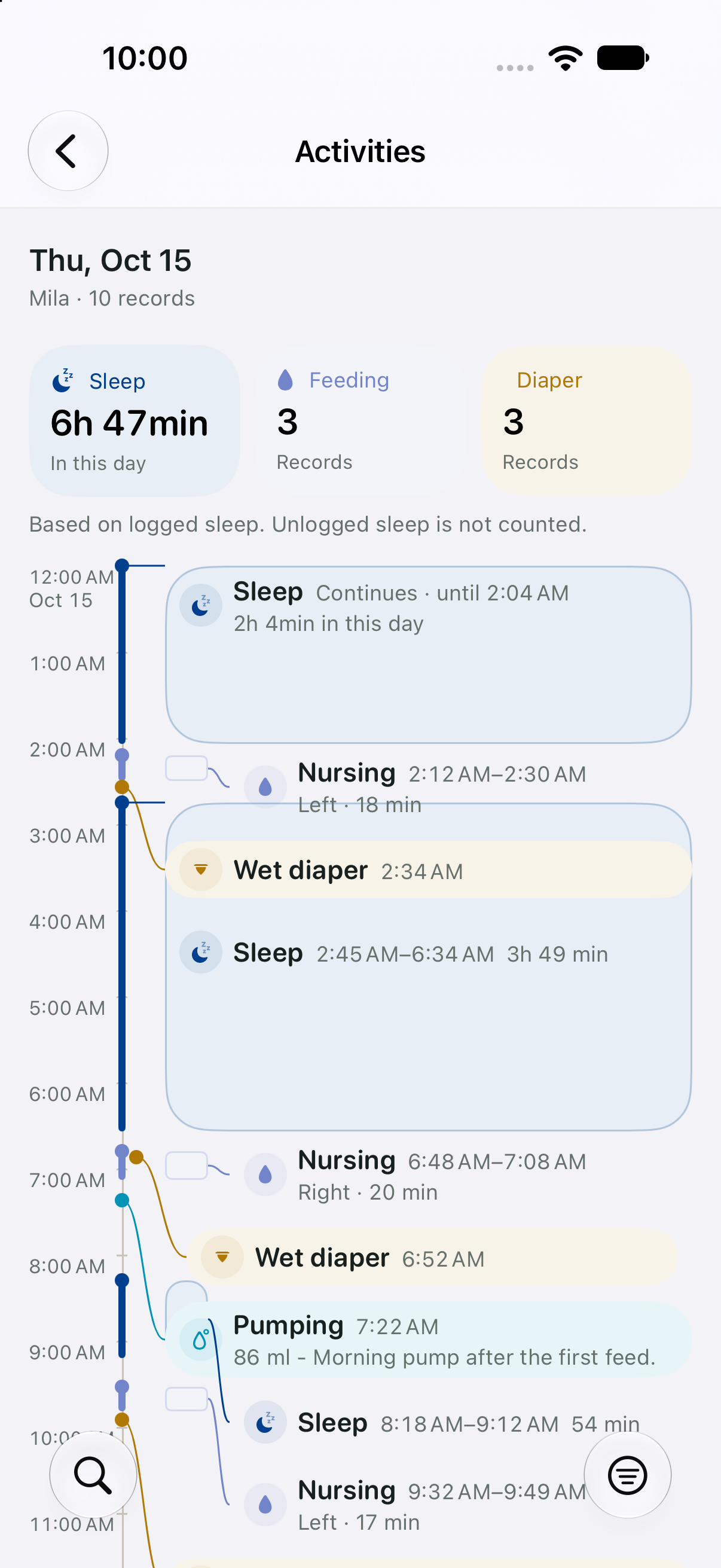
Your circle of care.
See who shares your family record, manage invitations and review connected devices.
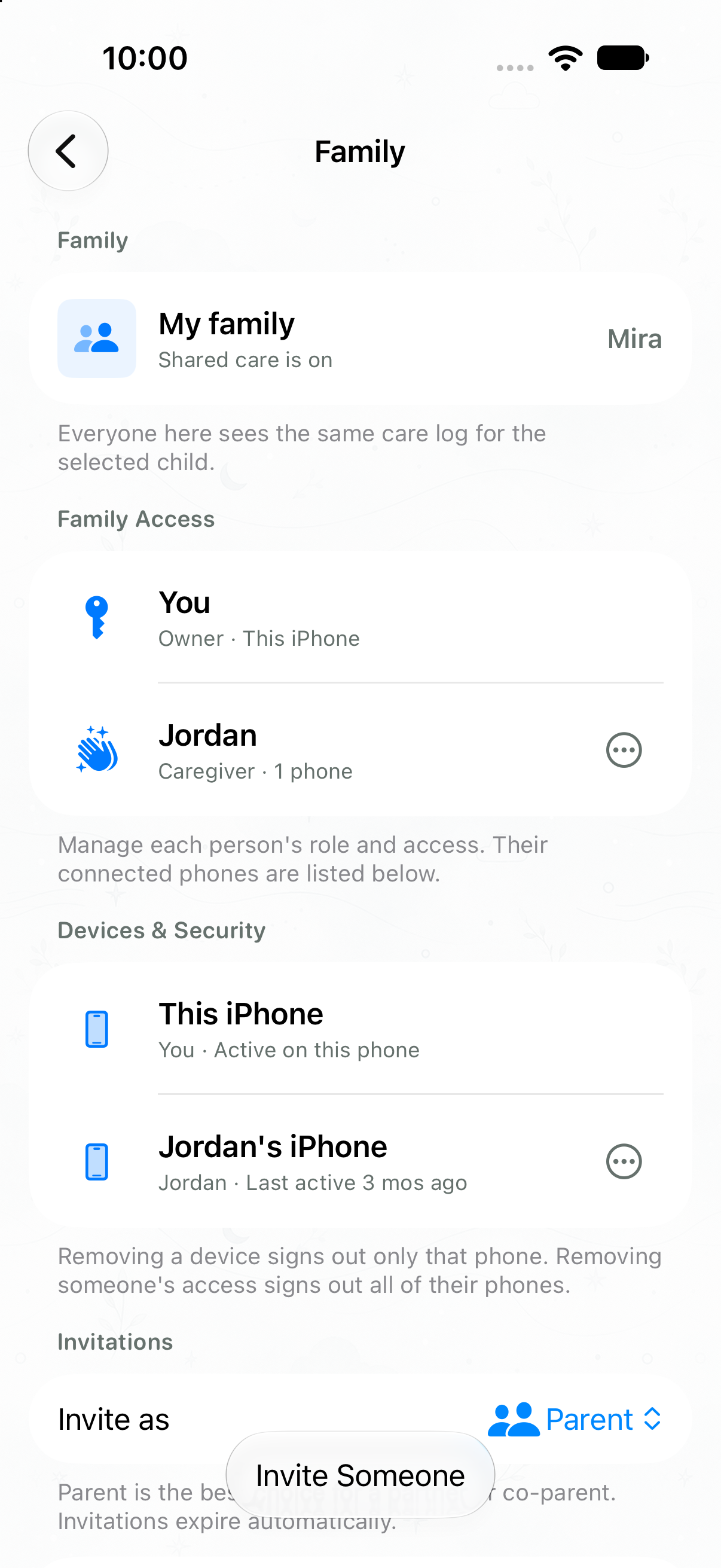
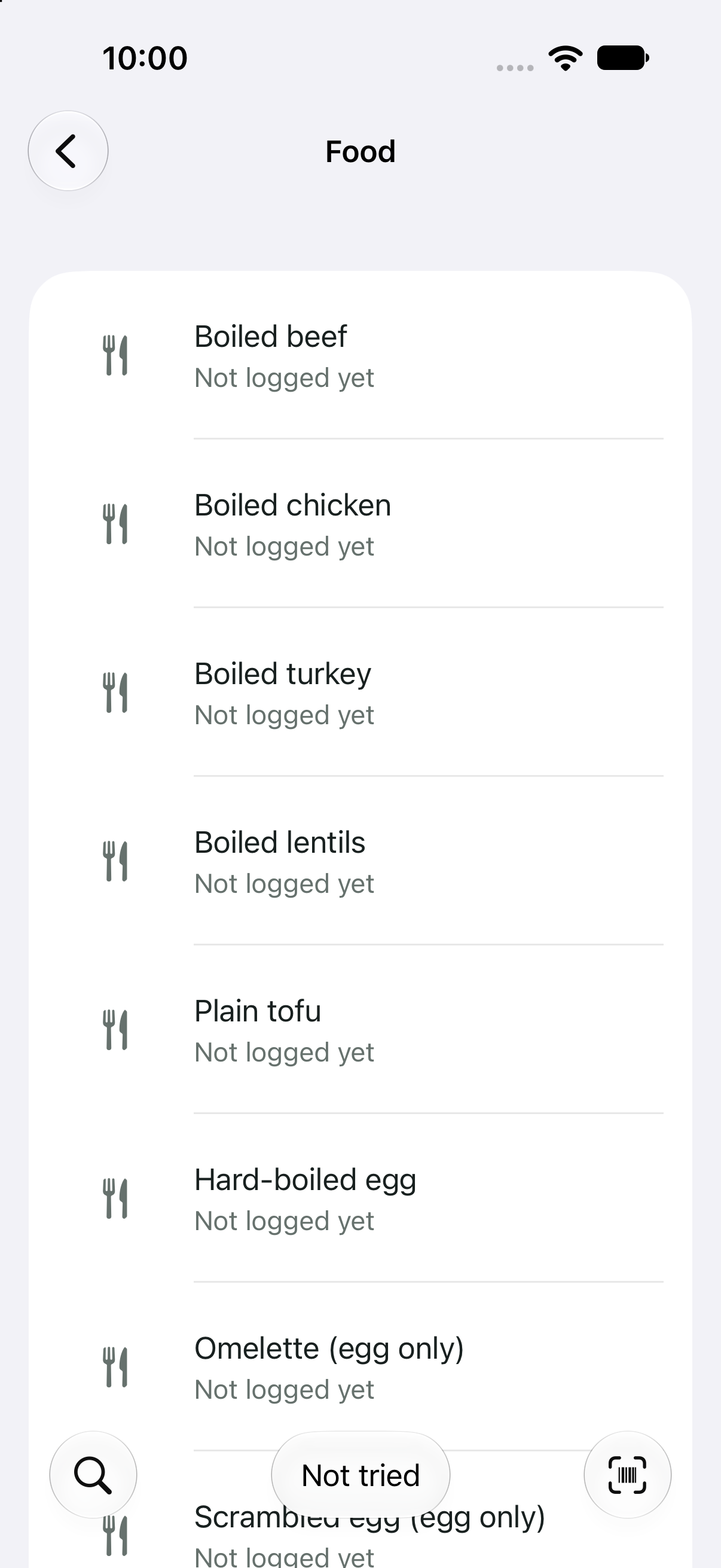
Food & first tastes
Scan it.
Review it.
Remember the meal.
Find a food or scan a product. Check the details, choose the amount, and save the meal.
Keep track of the foods your baby has tried and the meals you’ve logged.
Always check the package. Missing allergen information does not mean a food is allergen-free.
Video monitoring
A familiar phone.
A closer look.
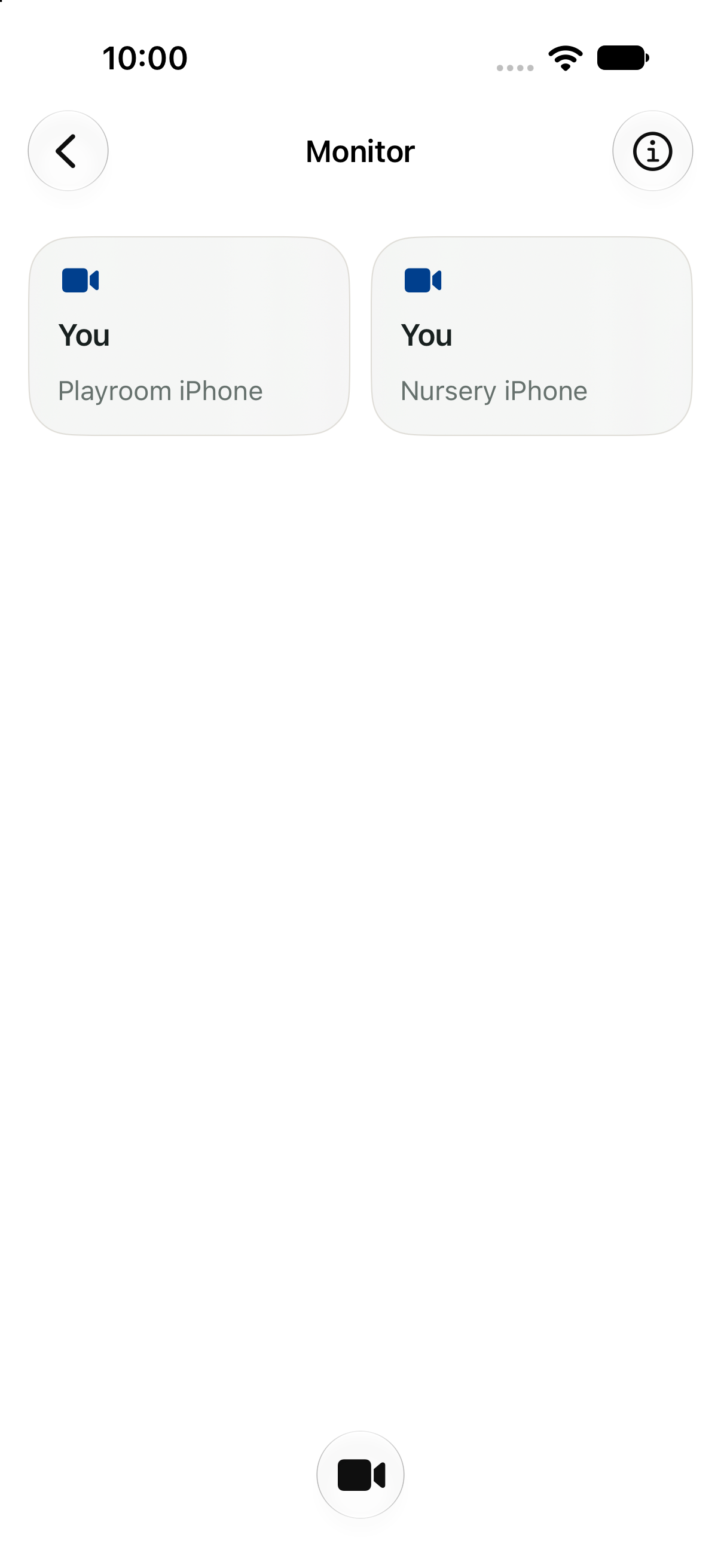
Use one phone as the camera and another to check in. Use the monitor and your care record in the same app.
Connection status stays visible, so you can spot interruptions.
Monitor interface preview shown. The monitor is an extra tool; it does not replace adult supervision.
Care is personal.
So is your data.
No ads. We don’t sell your personal information or track you across other companies’ apps or websites.
PIPEDA-aware by design. Canada’s privacy principles guide our approach: clear reasons for collecting information, meaningful choices and safeguards for your personal information.
- Protection built in.
- Care records on your iPhone use Apple’s built-in data protection. Cloud sync uses encrypted connections, and server backups are encrypted too.
- You choose what to share.
- Keep core care records on your device, or enable Shared Care. Family members with the owner role manage invitations and member access. Apple’s system permissions let you control camera and microphone access.
- You stay in control.
- Export records, clear local data or request account deletion in Settings. Your role determines which records you can export. Contact us to access, correct or request deletion of your personal information.
What happens when I delete my account?
You can no longer access Mila through the deleted account. If you’re the only family member with the owner role, your shared family record is also deleted. Otherwise, it stays with the other owners. Backup copies are not erased immediately, and limited information may remain for legal and security purposes. Files already shared with others remain under their control.
When does information leave my phone?
Shared Care uses cloud services in the United States. When you choose to use an AI feature, the content needed for your request is sent to Mila and OpenAI. Turning on family sync alone does not send your care history to OpenAI. We use limited diagnostic data to keep Mila reliable and secure. Our Privacy Policy explains which providers process your information, where it is processed and how long it is kept.
Live audio and video may pass through our servers, but Mila does not store them there. You choose who receives the files you export.

A little more room
to be a parent.
Get Mila on the App StoreAvailable free on the App Store.